
Work through your backlog in clear statement periods, with the bank balances available for review.
A practical catch-up sequence
- Collect the original bank statements and identify missing periods.
- Arrange them by bank account and date. Check overlapping periods before importing.
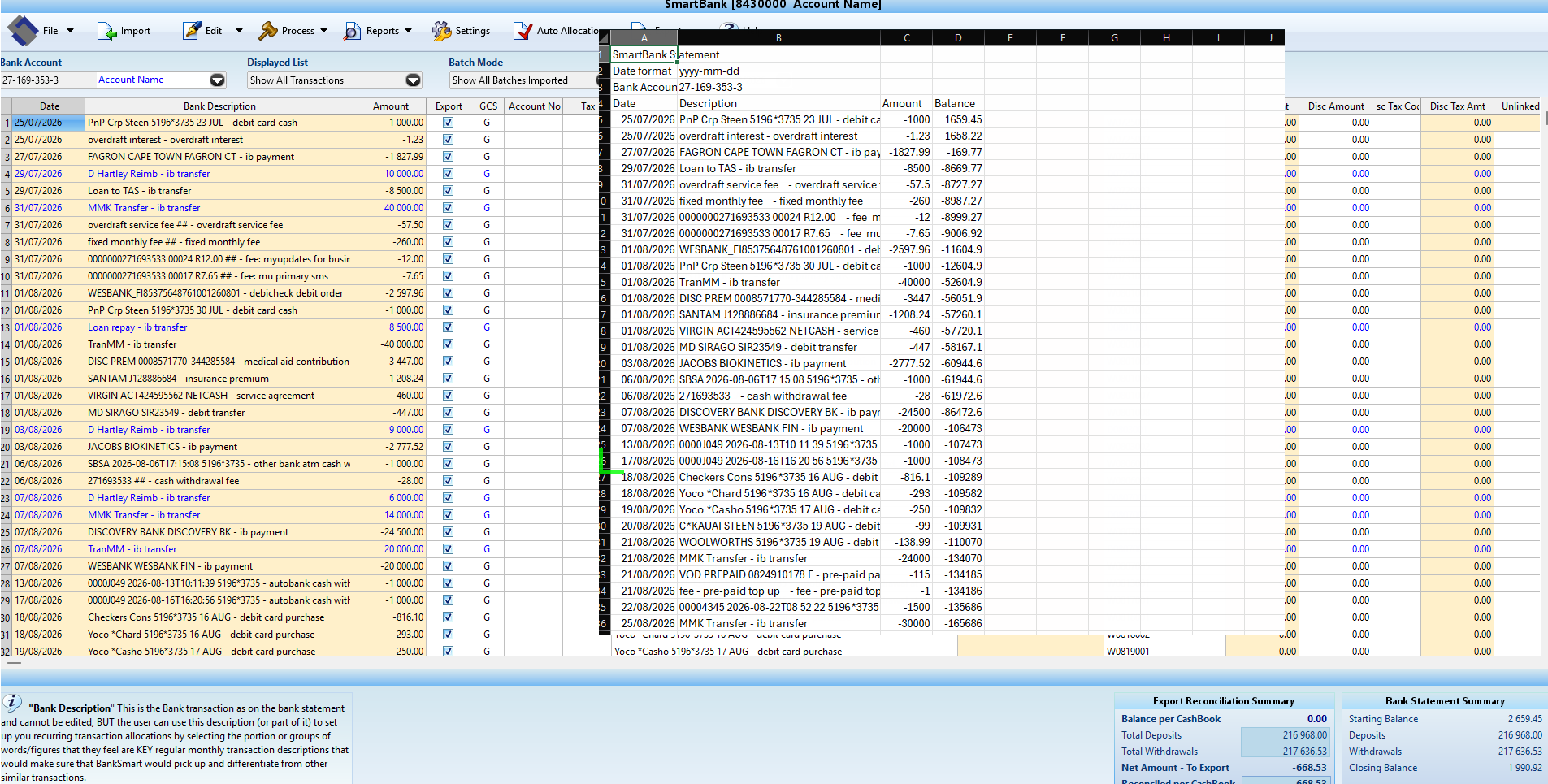
- Import a supported statement and review the dates, descriptions and amounts.
- Export CSV data, or allocate and reconcile the period in SmartBank first.
- Use the compatible accounting-package import and check the resulting entries.
Keep the review visible
Record opening and closing balances for each period and investigate differences before moving on. Reuse recurring allocation rules where appropriate, while reviewing unusual entries individually.
SmartBank prepares transactions. Completing historical bookkeeping still requires the underlying accounting review and other supporting records.
Start with the screenshot guide · Discuss your bank-file workflow