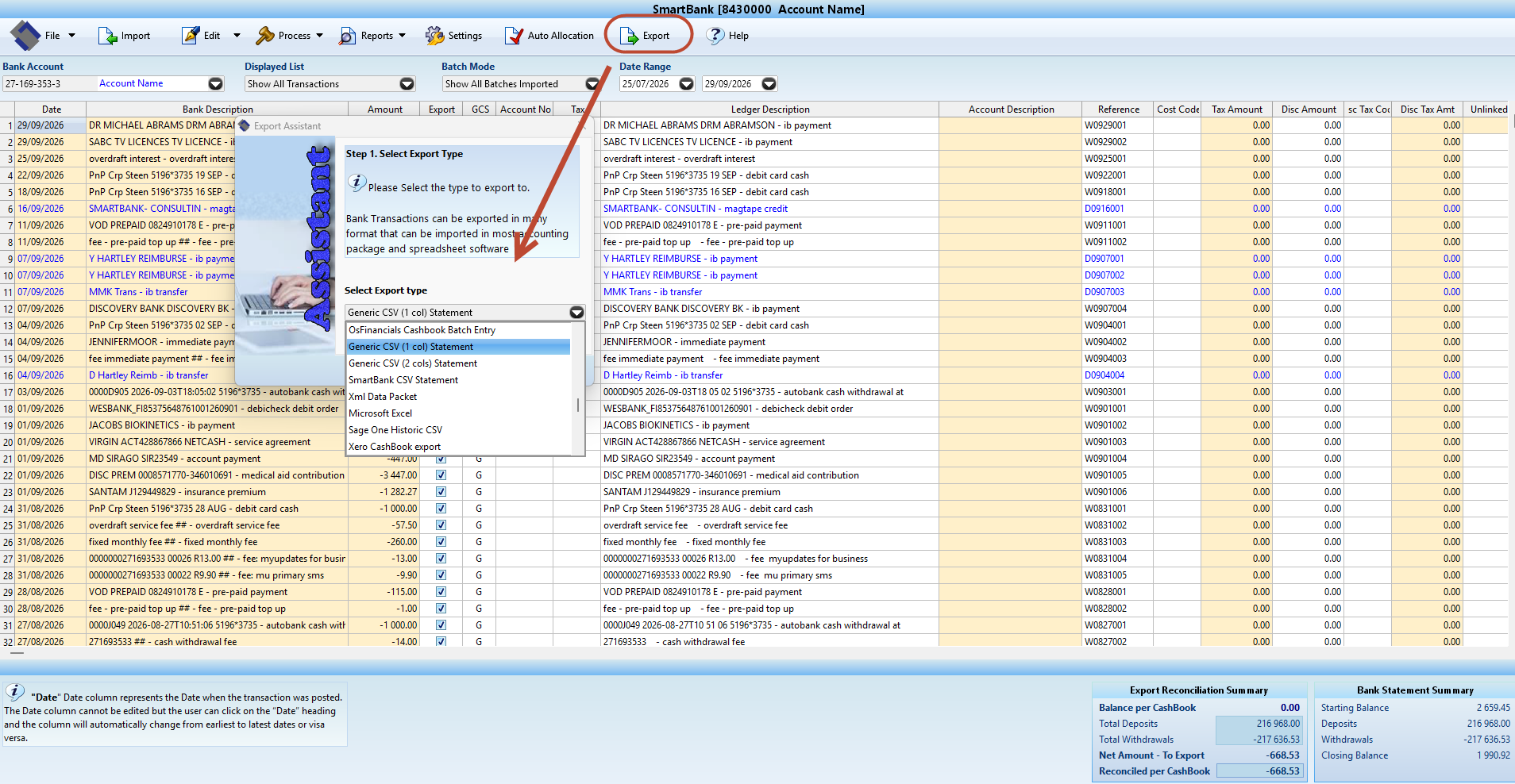
A usable file is the start of the import. Review the cashbook and the destination format before posting it to your accounting records.
Confirm company, account and period
Check the correct company and bank account. Review dates and any overlapping statement periods so the same activity is not imported twice.
Choose data-only or prepared cashbook
For transaction data, choose the suitable CSV export without allocations. For a prepared cashbook, review account mappings, recurring allocations and splits before exporting.
Reconcile the prepared cashbook
Use the opening balance, deposits and withdrawals to explain the statement’s closing balance. Investigate missing, duplicated or excluded transactions and unresolved differences.
Match the accounting-package layout
Confirm the package, version, date and amount formats, account codes and required columns. SmartBank export/import workflows differ by package. Confirm a layout before relying on it.
Save, import and check the result
Save the export using company, bank and period in the filename. Follow the destination package’s mapping/review steps. Compare the imported entries and closing balance with your prepared cashbook.